Tesseract Installation
Tesseract OCR Engine is an open-source software library for Optical Character Recognition (OCR). It can read and convert different kinds of text from images (such as scanned documents, photographs of text, or screenshots) into machine-readable and editable text.
- It supports over 100 languages and can be trained to recognize additional languages.
- It can process various image formats such as TIFF, PNG, JPEG, and more.
- Tesseract is known for its accuracy and effectiveness in recognizing text in images.
- Users can train Tesseract with new fonts and languages to improve recognition for specific use cases.
To use Tesseract, you need to install the Tesseract OCR engine on your server or system. The installation process varies depending on your operating system.
Installation on Windows:
- Download tesseract exe from UB-Mannheim.
- Once the download is complete, navigate to the directory where the file was downloaded. And now double-click on the downloaded file to run the installer.
- Click all the next buttons until finish and install all default settings of Tesseract. Or follow the given screenshots to install it.


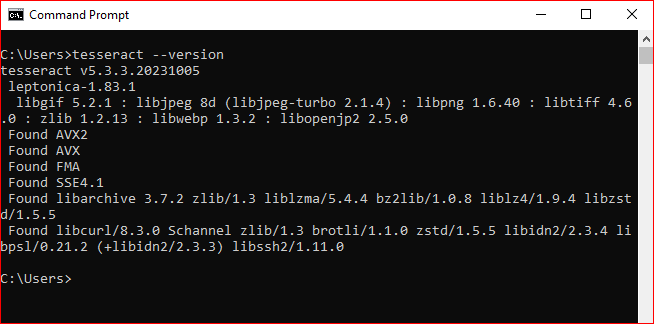
- After the installation is complete, you can verify that Tesseract has been installed correctly by opening a command prompt.
- Open CMD and type tesseract --version and press Enter. This command should display the version of Tesseract installed on your system.