React Getting Started
NOTE: For deploying React applications in production, npm (Node Package Manager) and Node.js are essential tools.
To explore React and get a feel for it, you can start by writing React code directly in an HTML file. This approach allows you to quickly understand the basics and see React in action.
But in a production environment, it is essential to have npm (Node Package Manager) and Node.js installed on your system. These tools facilitate the development, building, and management of React projects, providing a more structured and scalable workflow for real-world applications.
React In HTML
React is working with react-dom and JSX.
React DOM is a package provided by the React library. It provides methods and functionality for rendering React components into the DOM, updating them, and handling events. The most common method of react-dom is ReactDOM.render(), which takes a React element and a DOM container and renders the element into the specified container.
JSX (JavaScript XML) is a syntax extension for JavaScript that allows you to write XML- or HTML-like code in your JavaScript files.JSX provides a more concise and readable way to describe the structure of React components. However the JSX code is not understood by browsers directly, so we need Babel, which converts JSX into JavaScript that browsers can interpret.
So we need to add scripts for react-dom and babel in our HTML file and write the first program in react.
Step 1: Create HTML Structure and Include scripts
Step 2: Write React Script
const container = document.getElementById('app'): this line retrieves the HTML element with the id 'app'. This will create a container where the React application will be rendered.
const root = ReactDOM.createRoot(container): createRoot is a react-dom method that creates a special area in React, called a "root," specifically designed for managing and rendering React components. This root is linked to the HTML container you found in line one.
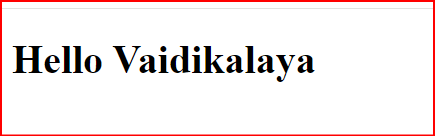
root.render(<h1>Hello Vaidikalaya): render is also a react-dom method that tells React to display a specific thing (HTML Content, Simple text, or Components) in the spot you prepared. React takes care of putting it there.
Example 1
OUTPUT
Example 2
Render component
OUTPUT